

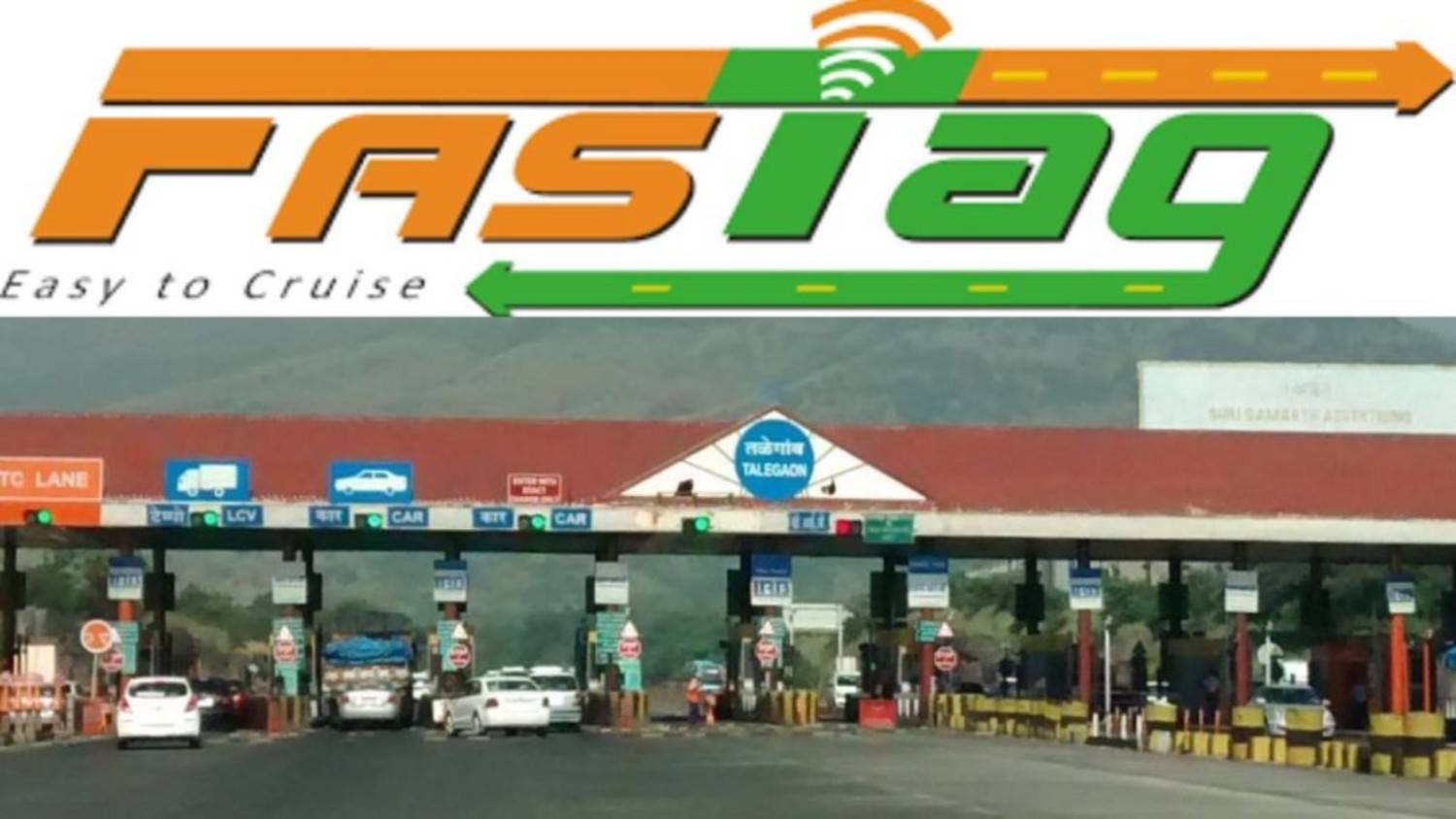
Toll payments using FASTag are time-saving. They offer cashless convenience and allow for online management. Sometimes, it may be necessary to close your account to prevent unauthorized deductions.
FASTag has transformed the way we travel on highways. Automating toll payments has made it incredibly convenient for drivers. This system uses RFID technology, allowing vehicles to pass through toll plazas without stopping and eliminating the need for cash payments.
While it offers many benefits, there are certain situations where you may need to close your FASTag account, such as selling your vehicle, experiencing an account-related issue, or for other reasons. This blog will explain the complete process for closing your FASTag and receiving a refund.
Benefits of Having a FASTag Account
1. Time Saving: FASTag saves time on cash transactions. This reduces both travel delays and traffic congestion.
2. Cashless Convenience: FASTag allows toll payments to be made online, eliminating the need to carry cash. This increases convenience and security.
3. Online Management: You can access your FASTag account online, check your balance, recharge, view transaction history, and update information from the comfort of your home.
4. Transparency: FASTag keeps a record of every toll transaction, allowing you to track your expenses and verify the accuracy of toll charges.
How to close a FASTag account and get a refund?
Closing a FASTag account may sometimes be necessary, such as:
When selling a vehicle,
When the FASTag is lost or damaged,
Or when the vehicle is no longer in use.
Closing the account prevents unauthorized toll deductions and protects the balance in the account.
Reasons for Account Closure
- If you sold or transferred your vehicle to someone else.
- If the vehicle is scrapped or no longer in use.
- If your FASTag card is lost or damaged.
Process to close your FASTag account online
- Login to your FASTag account: Visit your bank’s official website or the NETC (National Electronic Toll Collection) portal and sign in with your login details.
- Go to Account Settings: After logging in, go to the Account Settings or Profile section and find the Account Closure or Manage Account option.
- Request closure: Select the “Close FASTag Account” option and provide the reason for closure. Follow the on-screen instructions.
- Submit the required documents: Some banks require a scanned copy of the vehicle’s RC (Registration Certificate) and ID proof. Have these documents ready.
- Confirm closure: After submitting all the information, submit the request. You will receive a confirmation by email or SMS.
- Get a refund: The remaining amount in your account will be refunded to your linked bank account within a few days (depending on the bank’s policy).
Offline FASTag Account Closing Process
- Visit a Bank Branch: Visit the nearest branch of the bank where you purchased your FASTag. Bring your RC and ID proof with you.
- Fill the Closure Form: Obtain a FASTag closure form from the branch and fill in your account details and reason.
- Submit the Form and Documents: Give the form and documents to the bank official. They may also conduct additional verification if required.
- Get an Acknowledgement: You will receive a receipt after submitting. Keep it safe.
- Refund Process: The remaining balance in your account will be refunded to your bank account within a few days.
- Each bank or FASTag provider’s process may vary slightly. Typically, you will need to provide your
FASTag account number,
- vehicle details,
- and ID proof.
- After closing your account, be sure to confirm the refund status with your bank or service provider.